CalendarPA lets you connect calendars from multiple providers simultaneously. This is perfect if you use Google Calendar for personal events and Outlook for work.
Unified availability - All your events are considered when showing available slots
Prevent double-bookings - Events from all calendars block your availability
Flexibility - Choose which calendar receives new bookings
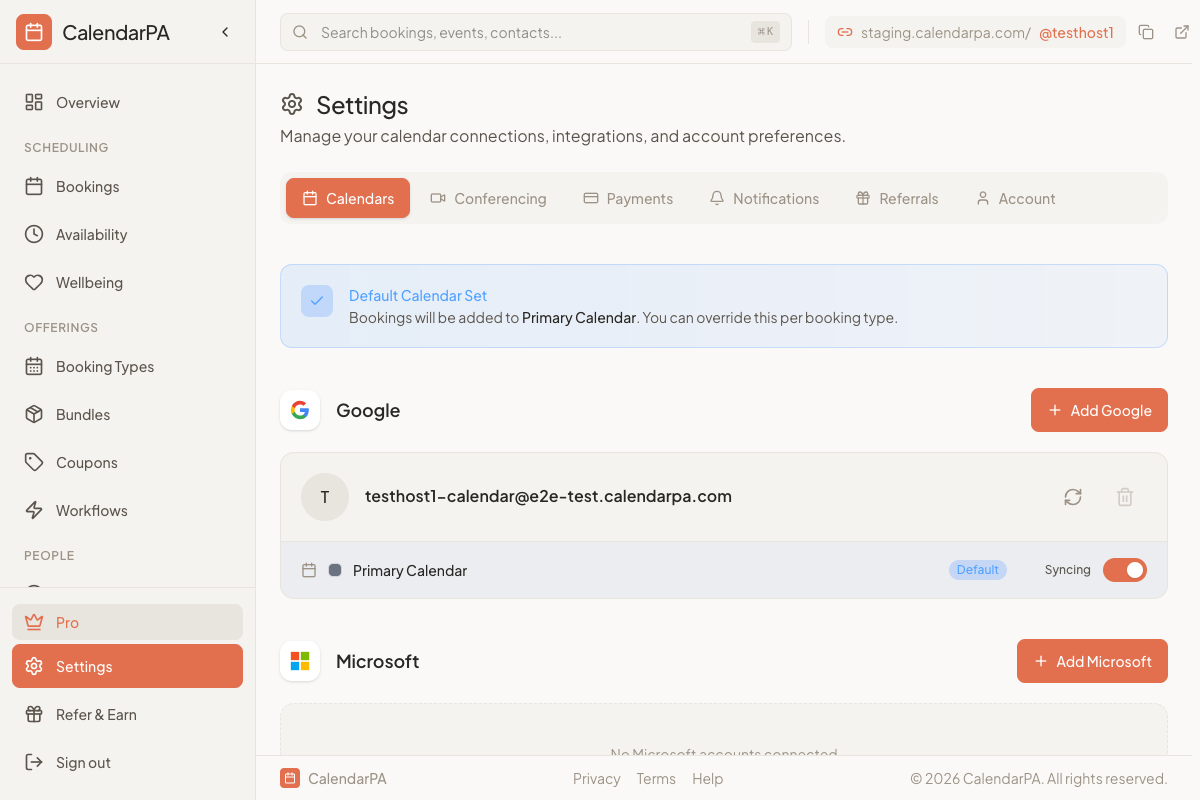
Go to Settings > Calendars
Click Add Google, Add Microsoft or Add Apple
Authorize access to the new calendar
Configure which calendar should receive new bookings
Free: 2 calendar accounts, up to 4 calendars each
Pro: 5 calendar accounts, up to 10 calendars each
Business: unlimited
For each connected calendar, you can configure:
Check for conflicts - Use this calendar to determine availability
Receive bookings - New appointments are created on this calendar
Connect your primary calendar first
Use one calendar as your "booking destination"
All connected calendars are checked for conflicts regardless of the booking destination
Events marked as "Free" won't block your availability
