Double-bookings can damage client relationships. Here's how to prevent them with CalendarPA.
CalendarPA checks multiple sources before showing available slots:
Connected calendars - All events on synced calendars
Existing bookings - Appointments already made through CalendarPA
Buffer times - Time blocks before and after meetings
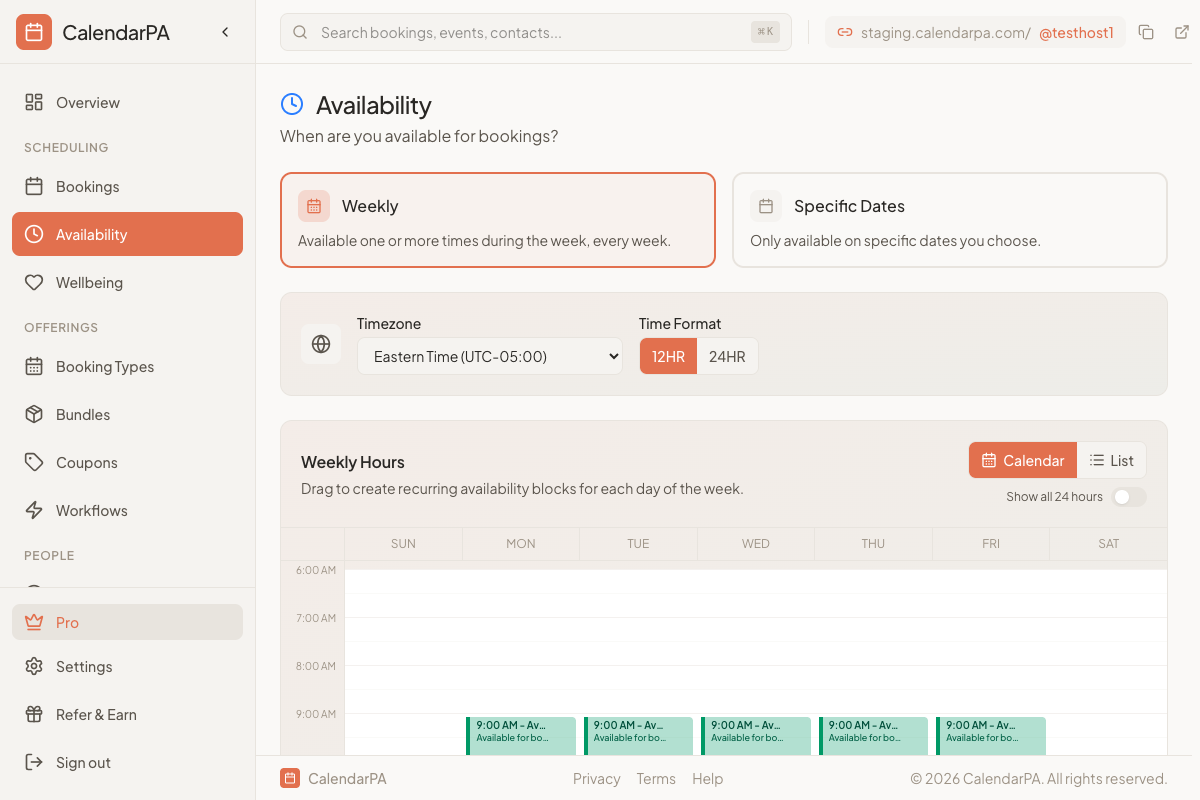
Availability windows - Your configured working hours
If you use multiple calendars, connect them all:
Personal Google Calendar
Work Outlook calendar
Any shared calendars you rely on
Buffers prevent back-to-back meetings:
Before buffer: Time to prepare
After buffer: Time for notes or transition
Recommended minimums:
5-10 minutes for virtual meetings
15-30 minutes for in-person meetings
Minimum notice: Prevent last-minute bookings
Maximum days in advance: Control your scheduling horizon
Booking limits: Cap how many bookings a booking type takes per day, week or month
Block personal time - Add events for lunch, focus time, etc.
Mark events correctly - Use "Busy" status for blocking events
Review weekly - Check for potential conflicts in advance
