
Scheduling windows control when people can book with you.
Key Settings Explained
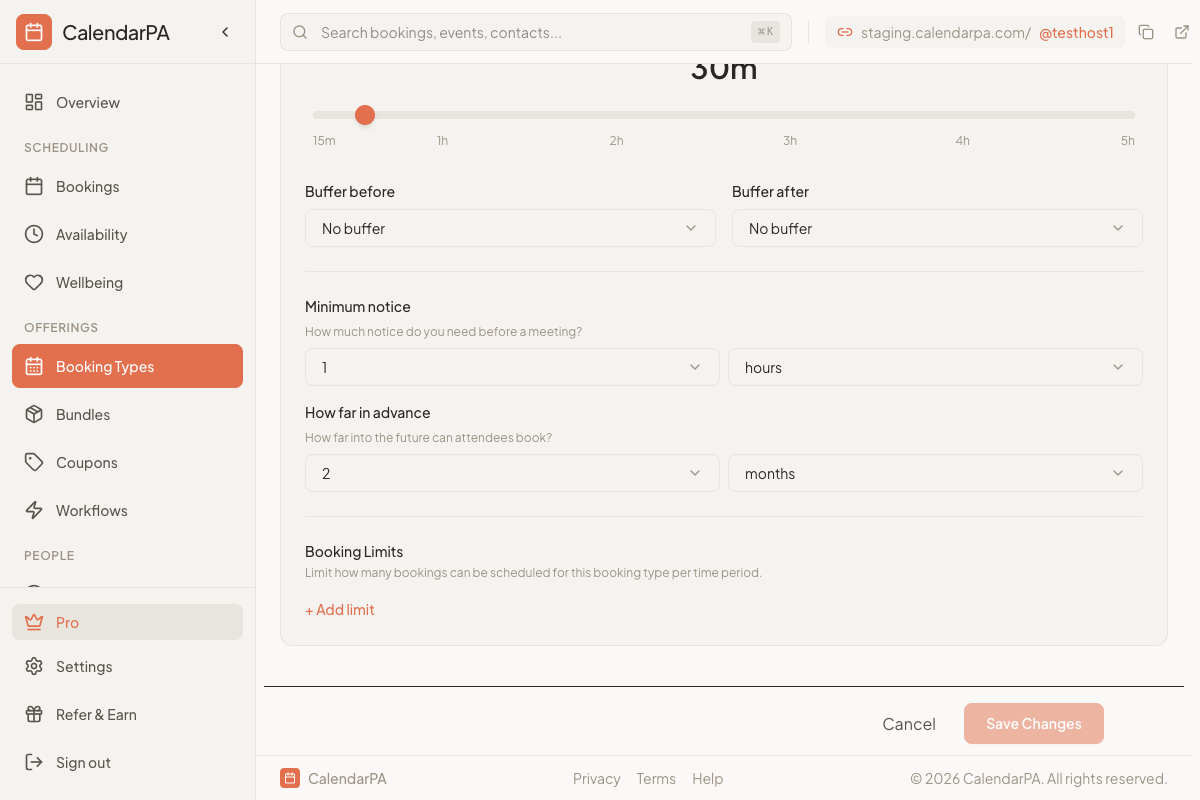
Minimum Notice
How far in advance someone must book.
Recommended settings:
High-demand professionals: 24-48 hours
Flexible schedules: 2-4 hours
Enterprise/high-touch: 1 week
Maximum Days in Advance
How far into the future people can book.
Recommended settings:
Service providers: 30-60 days
Consultants: 14-30 days
Busy executives: 7-14 days
Daily/Weekly Limits
Cap the number of bookings per day or week.
Use cases:
Limit client calls to 4 per day
Cap coaching sessions at 20 per week
Reserve energy for deep work
Setting Your Windows
Go to Booking Types
Edit the booking type
Find Scheduling Limits in Advanced Settings
Configure your preferred windows