Consistent availability helps clients know when they can reach you.
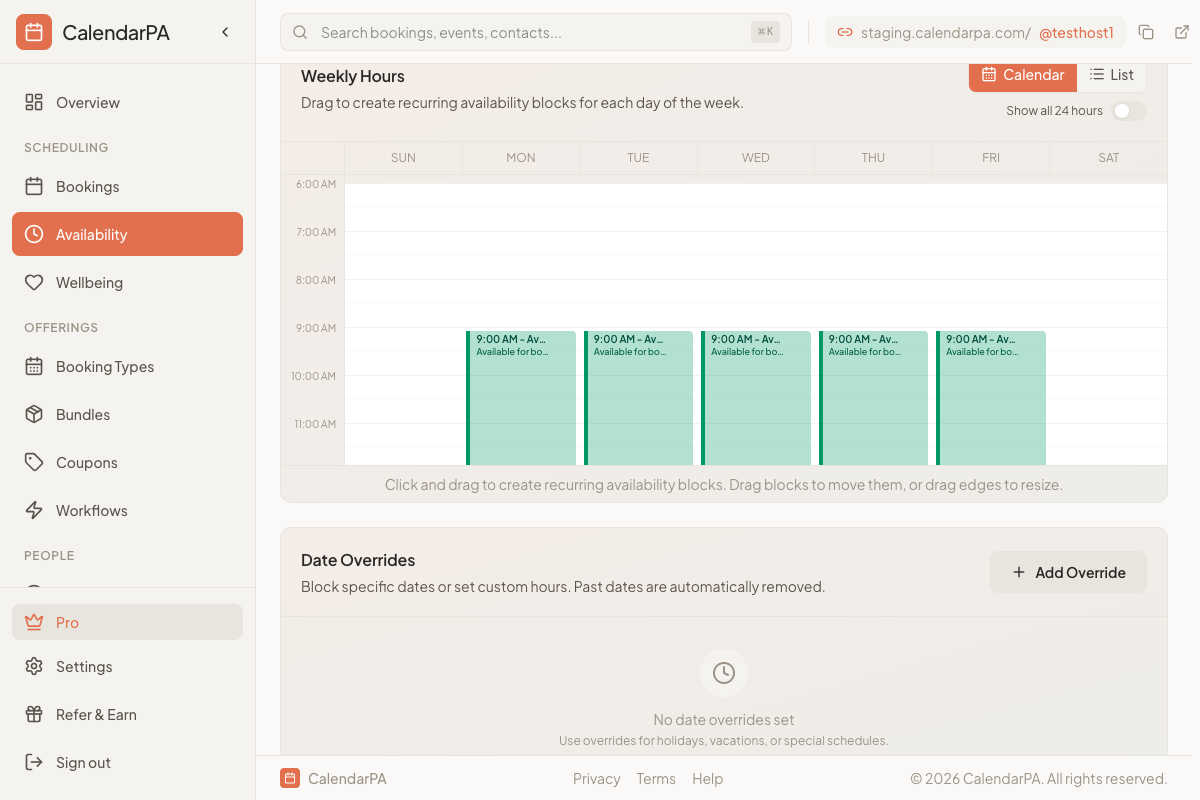
In CalendarPA, you set availability by:
Going to Availability
Selecting days of the week
Setting time windows for each day
Monday-Friday: 9:00 AM - 5:00 PM
Best for: Traditional business services
Morning: 9:00 AM - 12:00 PM
Afternoon: 2:00 PM - 5:00 PM
Best for: Those needing midday breaks
Tuesday-Thursday: 10:00 AM - 6:00 PM
Monday/Friday: Blocked for admin
Best for: Deep work professionals
Weekdays: 6:00 PM - 9:00 PM
Saturday: 10:00 AM - 2:00 PM
Best for: Coaches with working clients
You can add multiple availability windows:
8:00 AM - 12:00 PM (morning sessions)
2:00 PM - 4:00 PM (afternoon block)
6:00 PM - 8:00 PM (evening hours)
Start with your ideal week
Protect personal time
Review monthly - Adjust based on booking patterns
