Protecting time for deep work is essential. Here's how to block focus time that CalendarPA respects.
Plan requirement: Wellbeing is available on Pro plans and above.
Meetings fragment your day. Research shows it takes 23 minutes to refocus after an interruption. Dedicated focus blocks help you:
Complete complex tasks
Think strategically
Reduce stress
Improve work quality
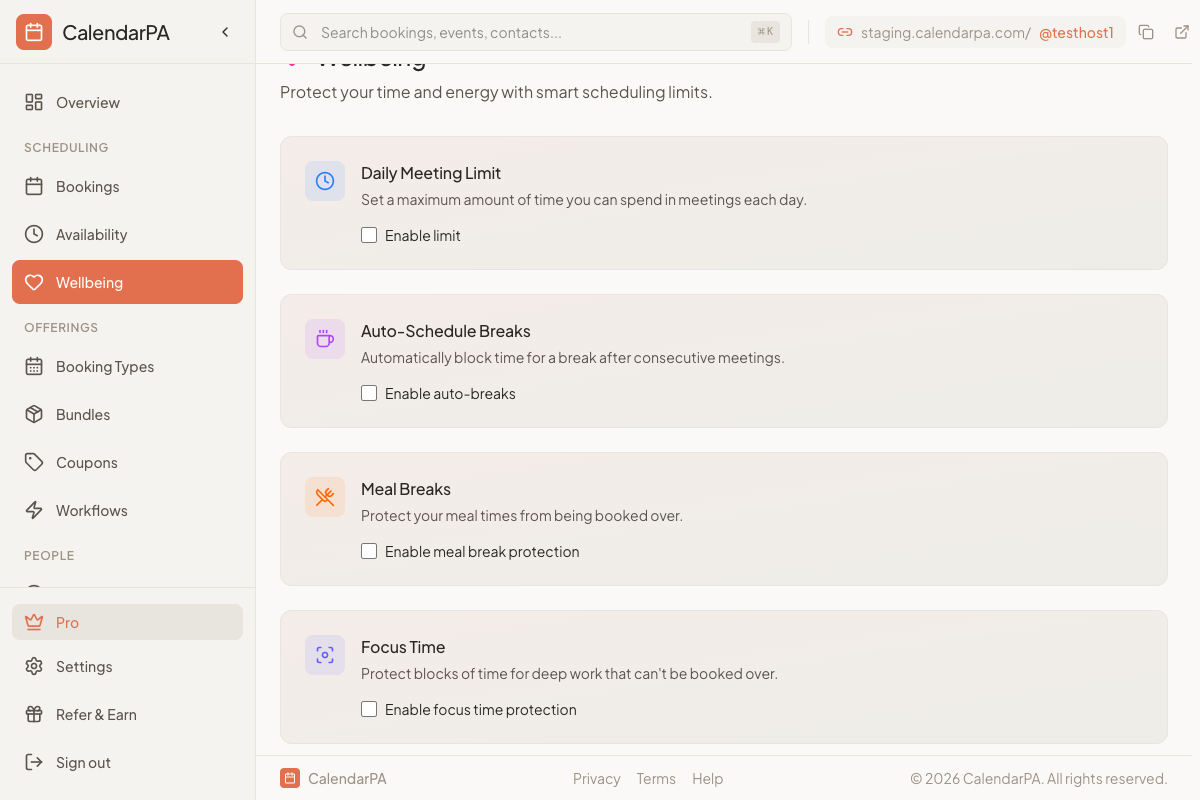
Create events on your connected calendar
Mark them as "Busy" (not "Free")
CalendarPA automatically hides these times
Label them clearly: "Focus Time" or "Deep Work"
Go to Availability
Set specific hours for bookings
Leave gaps for focus time
Example: Available 9-12, 2-5 (leaving 12-2 for focus)
Go to Availability > Date Overrides
Block specific days for focus
Good for deadline weeks or project sprints
Batch similar work:
Morning: Creative work (writing, planning)
Afternoon: Meetings and calls
Or vice versa based on your energy
Protect your peak hours:
When are you most focused?
Block those hours from bookings
Use them for your most important work
Communicate boundaries:
Add "Focus hours: 9-11am" to your booking page
Let clients know when you're available
Minimum: 90 minutes (one focused session)
Ideal: 2-3 hours (deep work block)
Frequency: At least 2-3 blocks per week
