Workflows let you automate communications around your bookings—confirmations, reminders, follow-ups, and more. Build sequences visually without any coding.
A workflow is an automated sequence triggered by booking events. For example:
Send a confirmation email immediately after booking
Send a reminder SMS 24 hours before
Send a follow-up survey 1 day after
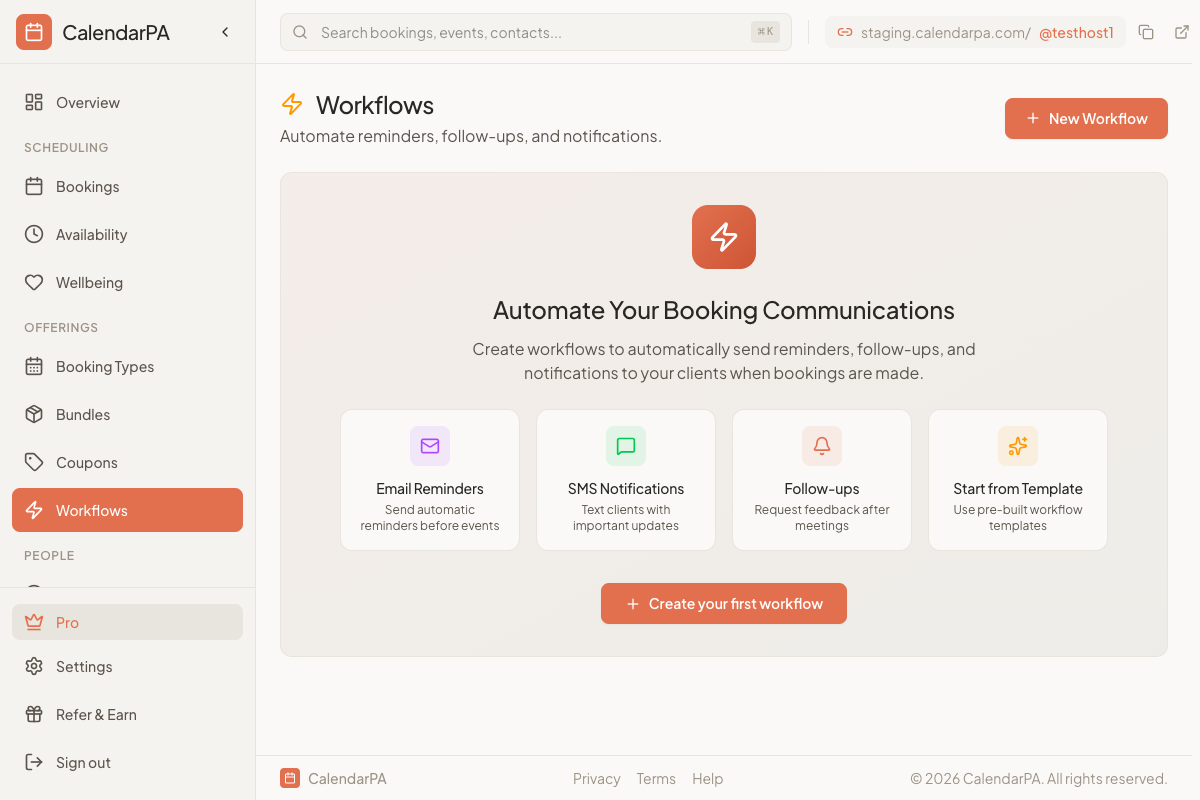
Go to Workflows in your dashboard
Click Create Workflow to start a new one
Or click an existing workflow to edit it
What starts the workflow:
When booked - Immediately after someone books
Before event - A set time before the meeting
After event - A set time after the meeting ends
What the workflow does:
Send email - Send a custom email
Send SMS - Send a text message (requires phone number)
Wait - Pause before the next action
Click Create Workflow
Name it "Booking Confirmation"
Set trigger to When booked
Add action Send email
Customize the email content
Save and activate
Workflows are available on Pro plans and above.
