Automate your email communications to save time and ensure consistent client experience.
Trigger: When booked
Action: Send email immediately
Content: Thank them, confirm details, include meeting link
Trigger: Before event (24 hours)
Action: Send reminder email
Content: Upcoming meeting details, preparation tips
Trigger: After event (1 day)
Action: Send follow-up email
Content: Thank you, feedback request, next steps
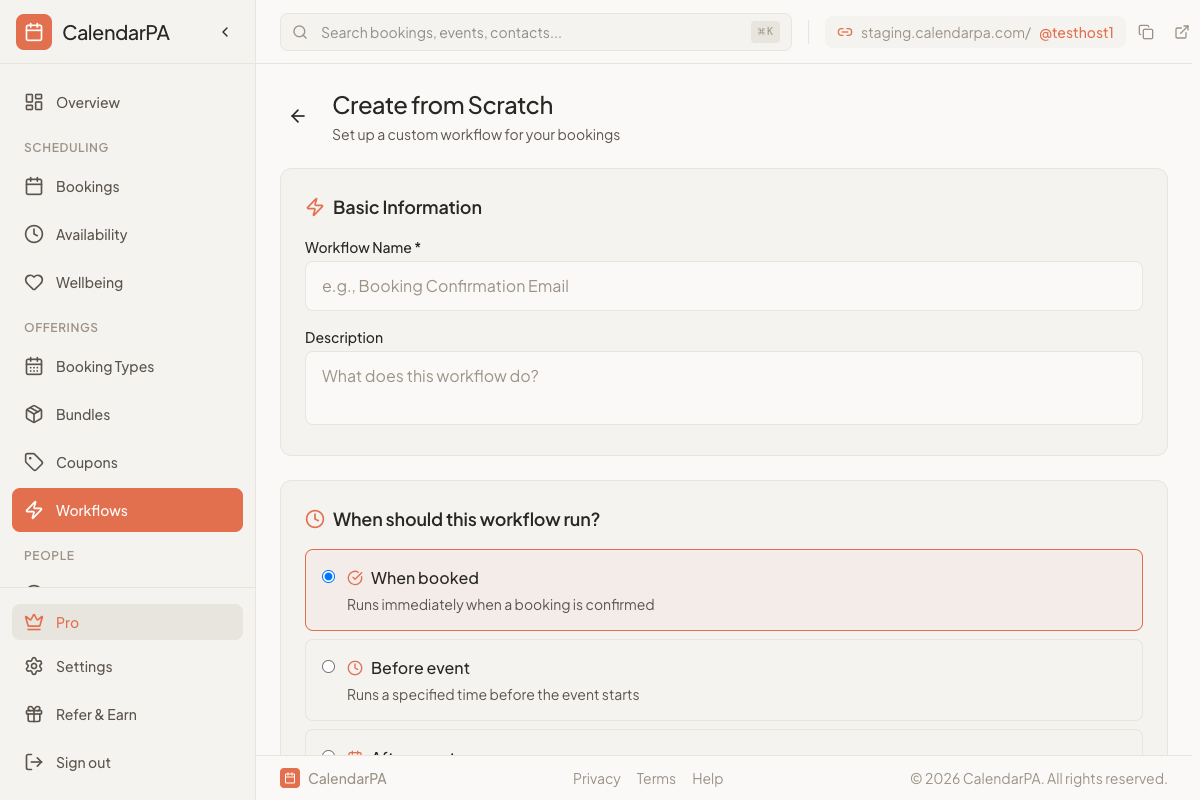
Go to Workflows and click Create Workflow
Name your workflow
Select a trigger (when to start)
Add Send email action
Customize:
- Subject line
- Email body
- Use variables for personalization
Personalize emails with dynamic content:
{attendee_name} - Invitee's name
{event_title} - Booking type name
{event_date} - Meeting date
{event_time} - Meeting time
{meeting_link} - Video meeting URL
{host_name} - Your name
Keep confirmation emails brief
Include all essential meeting details
Test your workflow before activating
