Follow these steps to create a booking type with multiple hosts.
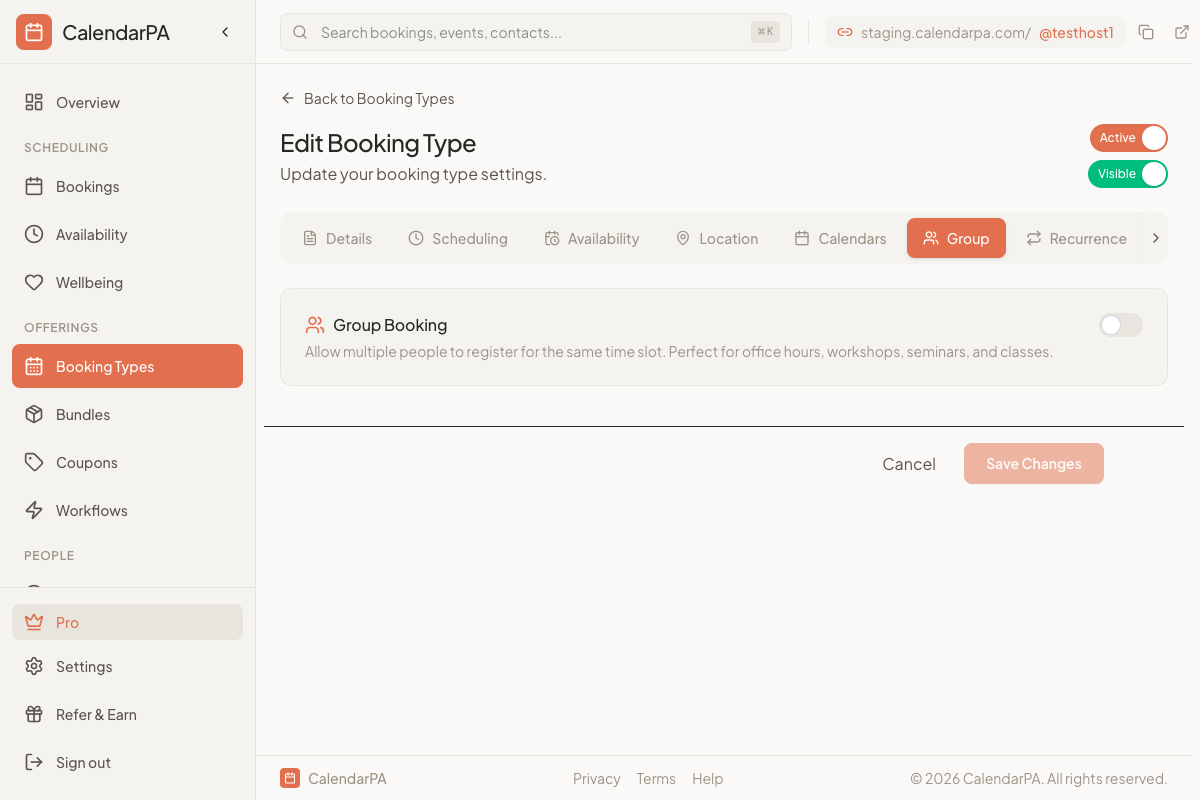
Go to Booking Types
Click New Booking Type
Set up basic details (name, duration, etc.)
Save the booking type
Click the menu (⋮) on your booking type
Select Manage Co-hosts
Enter co-host email addresses
Click Send Invitations
Co-hosts receive an email invitation
They click the link to accept
If new to CalendarPA, they create an account
They connect their calendar
Return to Manage Co-hosts
Confirm status shows "Active"
Test the booking page to see combined availability
Pending: Invitation sent, not yet accepted
Active: Co-host connected and sharing availability
Disconnected: Calendar access revoked
Go to Manage Co-hosts
Click the remove icon next to their name
Confirm removal
All co-hosts should connect calendars before going live
Set buffer times to account for transition between meetings
Communicate about scheduling policies (minimum notice, etc.)
