CalendarPA automatically creates contact records for everyone who books with you.
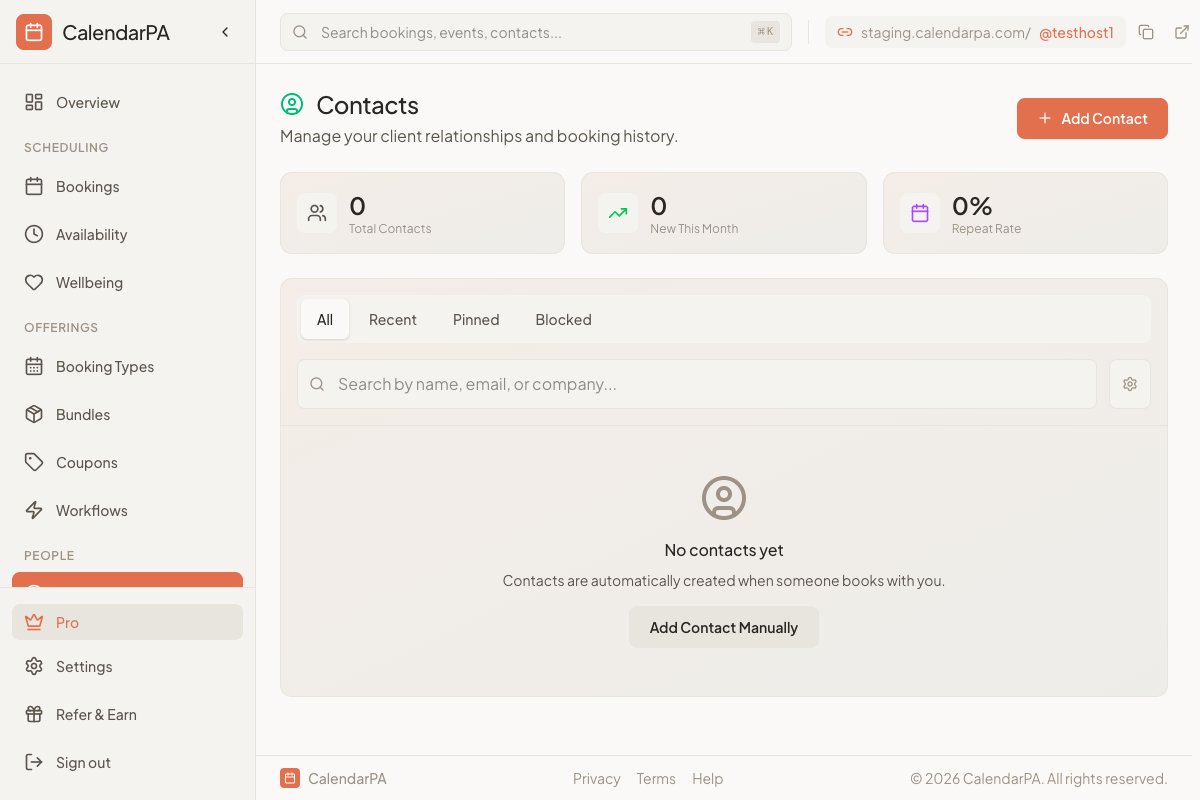
Click Contacts in your dashboard
View all people who have booked
Search by name or email
Each contact shows:
Name and email
Total bookings
Last booking date
Custom question responses
Tags (Pro feature)
Use the search bar to find contacts by:
Name
Email address
Company
On Pro and up, you can also filter by tag with the All Tags menu.
Click any contact to see:
Booking history (complete history on Pro and up)
All form responses
Private notes (Pro and up)
Applied tags
On Pro and up, click the download icon (Export CSV) next to Add Contact at the top of the Contacts page. The file downloads straight away.
It holds your contacts newest first, up to 10,000, with ID, email, name, phone, company, notes, total bookings, last booked date and date added. Search and filters on the page don't change what the file contains.
Contact data is stored securely and only visible to you. Review our Privacy Policy for details on data handling.
