Tags help you organize and segment your contacts for better management.
Tags are labels you create and apply to contacts:
"VIP Client"
"Coaching Package"
"Discovery Call"
"Follow-Up Needed"
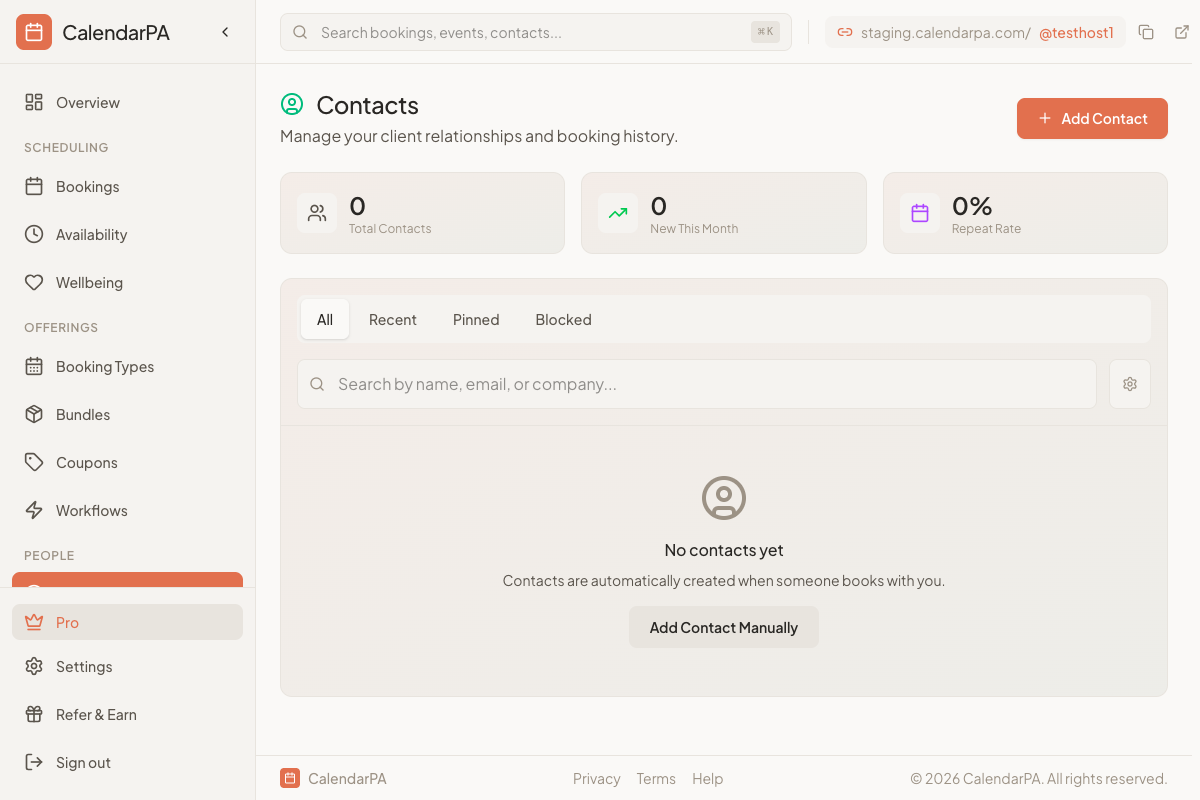
Go to Contacts
Click the Tags tab or settings
Click New Tag
Enter a name and optional color
Save
Open the contact details
Click Add Tag
Select from your tags
Select contacts using checkboxes
Click Add Tag in the bulk action bar
Choose the tag to apply
Go to Contacts
Click the tag filter dropdown
Select one or more tags
View filtered results
Package type (1:1, Group, VIP)
Session count remaining
Renewal status
Project stage (Discovery, Active, Complete)
Client tier
Service type
Lead source
Follow-up status
Payment status
Free: No tags
Pro: 10 tags
Business+: Unlimited tags
