Custom questions let you gather information from invitees when they book, helping you prepare for meetings and qualify leads.
Custom questions are form fields that appear on your booking page. Invitees fill them out before confirming their booking.
A single line, for names, titles or companies.
For detailed responses, goals or background.
One choice from options you set.
Several choices from options you set.
A phone number field.
Yes/no, or agreeing to terms.
A website or other link.
One file, such as a PDF or image.
Up to 10 files, 50MB in total.
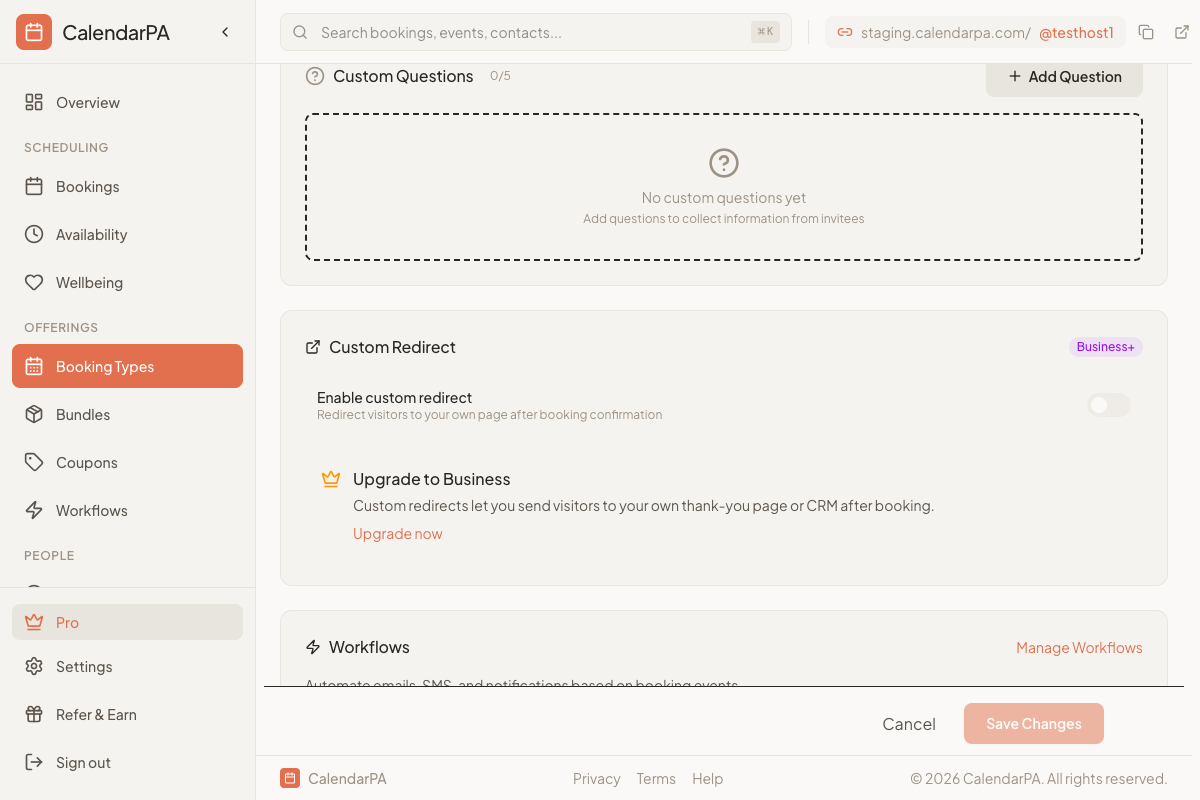
Edit your booking type
Open the Options tab and find Custom Questions
Click Add Question
Choose question type
Enter the question text
Mark required if needed
Save
What's your biggest challenge?
What's your budget range?
How did you hear about us?
What do you want to accomplish?
Have you worked with a coach before?
Describe your project
What's your timeline?
Find responses in:
Booking confirmation emails
Dashboard booking details
Contact records
Free: 3 custom questions
Pro: 5 custom questions
Business: 20 custom questions
Enterprise: Unlimited
