Recurring bookings let you schedule a series of sessions—weekly coaching, monthly check-ins, or any repeating pattern—with a single checkout.
Plan requirement: Recurring and series bookings is available on Pro plans and above.
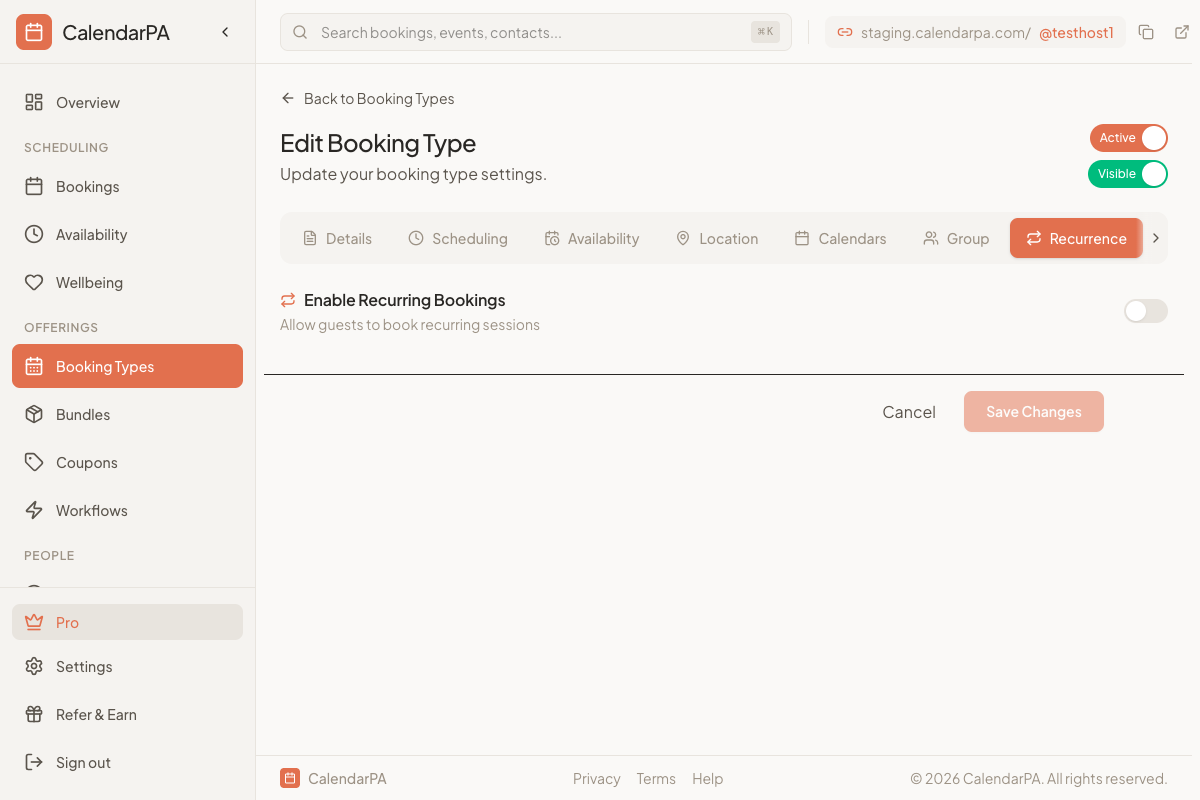
Go to Booking Types in your dashboard
Create a new booking type or edit an existing one
Open the Recurrence tab and turn on Enable Recurring Bookings
Choose a Pattern: Daily, Weekly, Bi-weekly, Monthly or Custom Days
Set Repeat every where it's shown, and for Custom Days pick the days of the week
For a fixed series, set the Number of sessions (up to 52)
Recurring bookings need a fixed duration, so they aren't available on a booking type with flexible duration.
Fixed Series: A set number of sessions (e.g., 8 weekly sessions). Invitees book them all upfront. Supports series discounts.
Open-Ended: Sessions keep generating on a rolling window. Invitees subscribe and can unsubscribe anytime. Open-ended subscriptions are free only; to charge, use a fixed series.
You also choose how guests register:
Drop-in: guests register for individual sessions
Series: guests commit to the full series and every session is booked at once
Offer a discount for committing to a full series:
In the booking type editor, find Series Discount
Choose Percentage off total (e.g., 10% off), Fixed amount off total (e.g., $20 off) or Per-session discount (e.g., $5 off each session)
A preview shows the total before and after the discount
> Tip: Series discounts encourage clients to commit to a full program upfront, improving your cash flow and their outcomes.
Invitee selects the first session date
Remaining dates are auto-calculated based on the pattern
They see all dates, per-session price, series discount, and total
Single checkout for the entire series
Each session appears as a separate booking they can individually reschedule
Reschedule: Each session can be rescheduled individually
Cancel: Cancel remaining sessions in a series (past sessions are unaffected)
View: Series bookings show a series indicator on your dashboard
