Coupon codes let you offer discounts on paid booking types. Create percentage or fixed-amount discounts with optional usage limits, expiration dates, and per-booking-type targeting.
Plan requirement: Coupon codes is available on Pro plans and above.
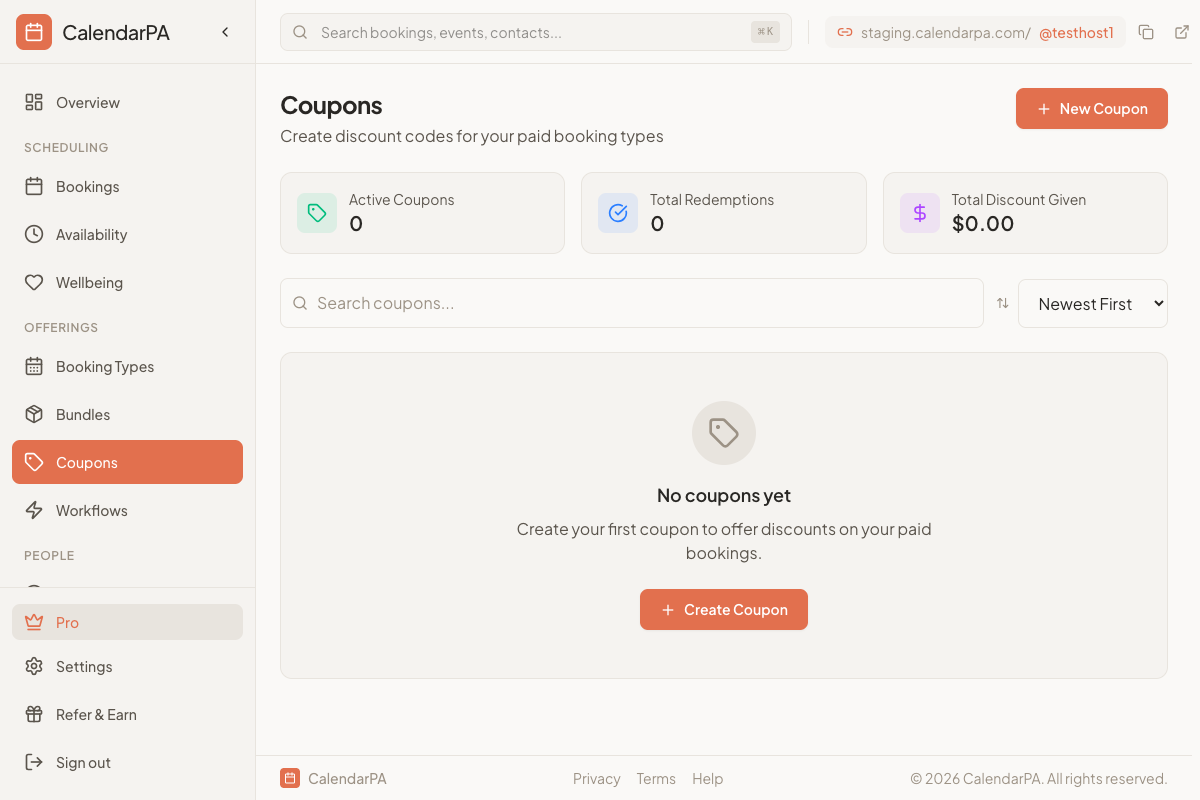
Go to Coupons in your dashboard (under Offerings)
Click Create Coupon
Enter a coupon code (e.g., WELCOME10, SUMMER2026)
Choose discount type:
- Percentage: e.g., 10% off
- Fixed amount: e.g., $5 off
Set optional restrictions:
- Usage limit: Maximum number of times the coupon can be used
- Expiration date: When the coupon stops working
- Valid for specific booking types: Restrict to certain booking types only
Save the coupon
Invitee selects a time slot on your booking page
On the booking form, they enter the coupon code in the discount code field
The discount is applied and shown in the price breakdown
They complete the booking at the discounted price
View usage: See how many times each coupon has been redeemed
Deactivate: Turn off a coupon without deleting it
Edit: Update limits, expiration, or targeting
Delete: Permanently remove a coupon
Use percentage discounts for flexibility across different price points
Use fixed amount discounts for consistent dollar-off promotions
Set usage limits for flash sales or limited promotions
Target specific booking types to run promotions on select services
> Tip: Coupon codes work with all payment providers (Stripe, Square, PayPal, Stax) and can be combined with series discounts on recurring bookings.
